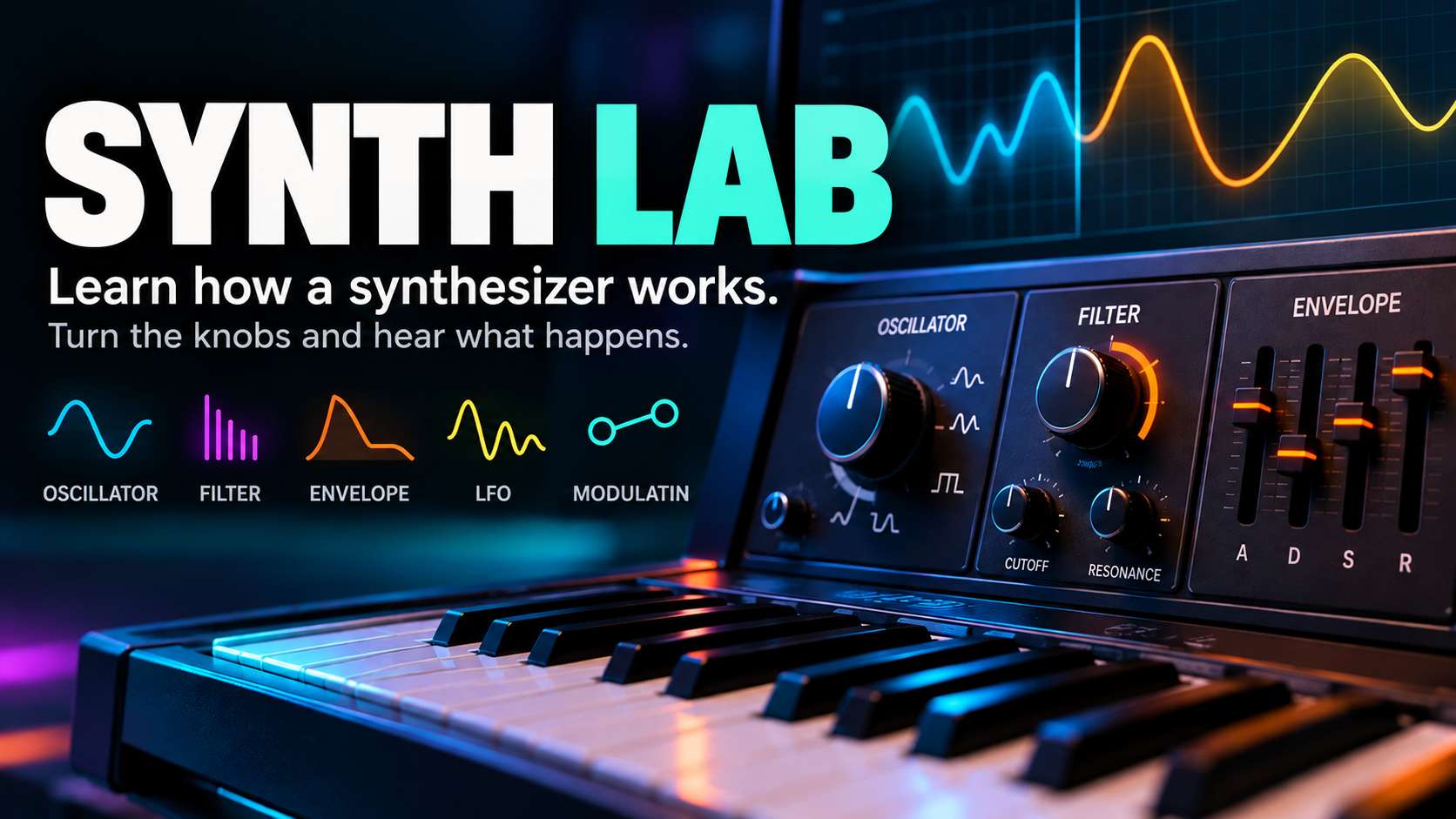
Synth Lab.
Learn the essential synthesizer controls. Adjust ADSR envelopes with sliders, explore the curves, and hear the results instantly with the built-in Web Audio synthesizer.
ADSR Envelope Lab
Attack is the time to reach peak level; Decay is the time to fall from the peak to Sustain; Sustain is the level while the note is held; and Release is the fade-out time after the note is released. Choose a preset or adjust the sliders yourself.
The graph shows a note held for 1.5 seconds. Play a key to hear the actual envelope.
Test the Envelope with Sound
Hold a key to hear Sustain; release it to test Release. On a computer, you can also use A, S, D, F, G, H and J. Click or tap a key first to enable audio.
Filter & Resonance
A filter shapes the tone. Low-pass reduces high frequencies, high-pass reduces lows, band-pass lets a frequency band through, and notch removes a narrow band. Cutoff sets the transition frequency; resonance emphasizes frequencies around it.
These filter settings also apply to the synthesizer in the ADSR Lab. Play the keys to hear them.
LFO & Tempo Sync
An LFO modulates a parameter periodically. Routing it to pitch creates vibrato; to volume, tremolo; and to a filter, a sweep. With Sync enabled, its rate follows your Ableton project tempo.
Retrigger restarts the LFO on each new note. Phase sets the starting position. Fade-in gradually introduces modulation. Free / Hz runs independently of the project tempo.
Oscillators
Sine
Pure and rounded, with almost no overtones. Great for sub-bass.
Saw
Rich in harmonics. Ideal for leads, trance and synth brass.
Square
Hollow and powerful. Great for retro leads and bass.
Triangle
Soft, with slightly more character than a sine wave.
| Control | What Does It Do? |
|---|---|
| Pitch / Tune | Changes pitch. |
| Octave / Semitone | Shifts pitch by an octave or semitone. |
| Fine Tune | Makes fine tuning adjustments, usually in cents. |
| Detune | Slightly offsets oscillators or voices in pitch for a wider sound. |
| Unison | Stacks multiple oscillator voices. |
| Pulse Width | Changes pulse width and timbre. |
| FM | One oscillator modulates the frequency of another. |
| Noise / Sub | Adds noise or an extra low-frequency oscillator. |
Other Essential Controls
Filter Envelope
A second ADSR envelope that can modulate filter cutoff. Envelope Amount controls its intensity. Short decay and low sustain produce the classic funky bass wah.
Modulation Matrix
Routes sources such as LFO, velocity, aftertouch and mod wheel to destinations like pitch, filter, pan and volume. Mod Amount controls the intensity.
Glide / Portamento
Slides between pitches. Glide Time sets the transition speed; Legato can limit the effect to overlapping notes.
Mono / Poly / Voices
Mono plays one note at a time; Poly plays multiple notes. Voice Drift and Pan Spread add subtle variation and width.
Pitch Bend
Changes pitch during performance. Pitch Bend Range sets the range, such as ±2 or ±12 semitones.
Arpeggiator & Sequencer
An arpeggiator plays chord notes in sequence. A step sequencer programs notes or parameter movements; Gate controls note length.
Chorus, Delay, Reverb
Chorus adds width, Delay adds repeats, and Reverb adds space. Dry/Wet blends the original and processed signals.
Drive, Saturation, EQ
Drive and saturation add harmonics; EQ adjusts the frequency balance. A compressor controls dynamics.
Phaser / Flanger
Moving phase and comb-filter effects for animated sounds.
Key Tracking
Makes filter cutoff follow the pitch of the note being played.
Sample & Hold
Holds a new (often random) modulation value until the next sample event.
Hard Sync / Wavetable
Hard Sync resets one oscillator using another. Wavetable Position moves between waveforms.
Sound Design Starting Points
| Parameter | Deep House Bass | Pluck Lead | Atmospheric Pad |
|---|---|---|---|
| Oscillator | Saw + Sub | Saw / Square | 2× Saw |
| Attack | 0–5 ms | 0–10 ms | 500–1500 ms |
| Decay | 150–300 ms | 200–500 ms | 1–2 s |
| Sustain | 0–30% | 0–20% | 70–100% |
| Release | 80–150 ms | 150–400 ms | 2–5 s |
| Cutoff | 150–800 Hz | 1–5 kHz | 1–4 kHz |
| Unison | 1–2 | 2–4 | 4–8 |
| Reverb | Minimal | Light | Spacious |
These values are starting points, not universal presets. Different synthesizers respond differently.